Mumble.
Local, private dictation for Apple Silicon Macs.
- Platform
- macOS · Apple Silicon
- Status
- v0.3.1
- Year
- 2026
- Price
- Free
Hold a key, speak, and your words are typed into whatever app you're using — no cloud, no accounts, and your clipboard is never touched. Mumble is completely free.
Screenshots
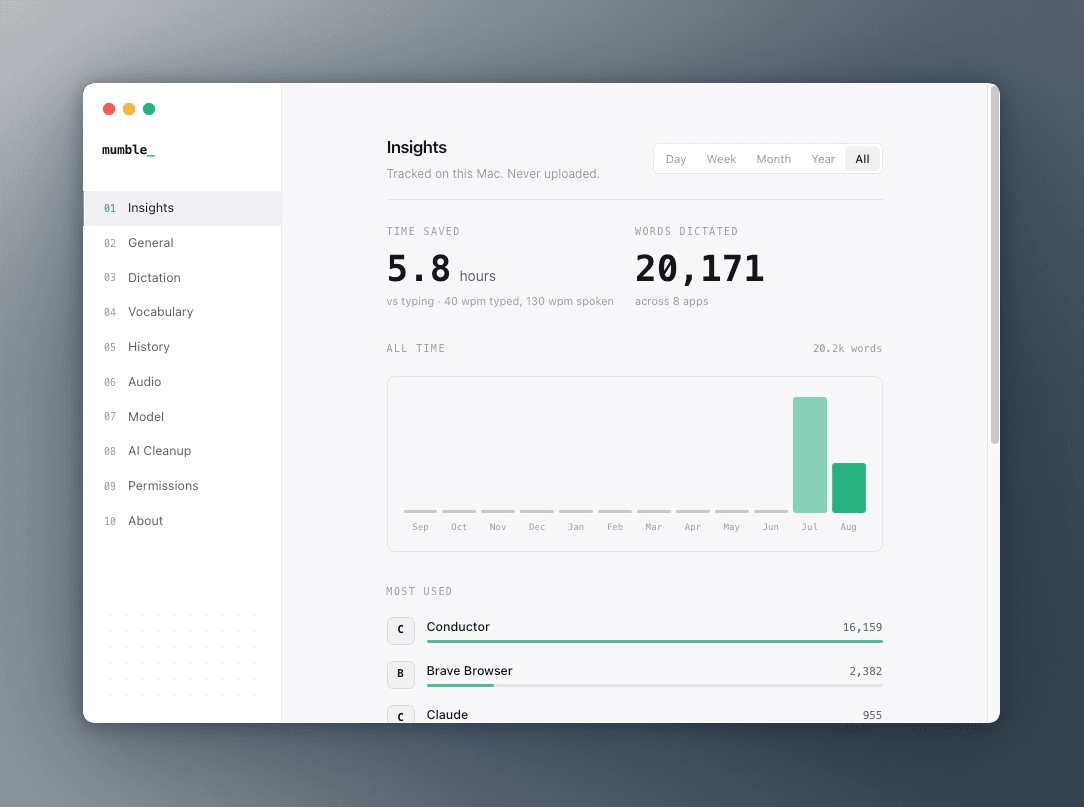
InsightsTime saved, words dictated, and your most-dictated apps. 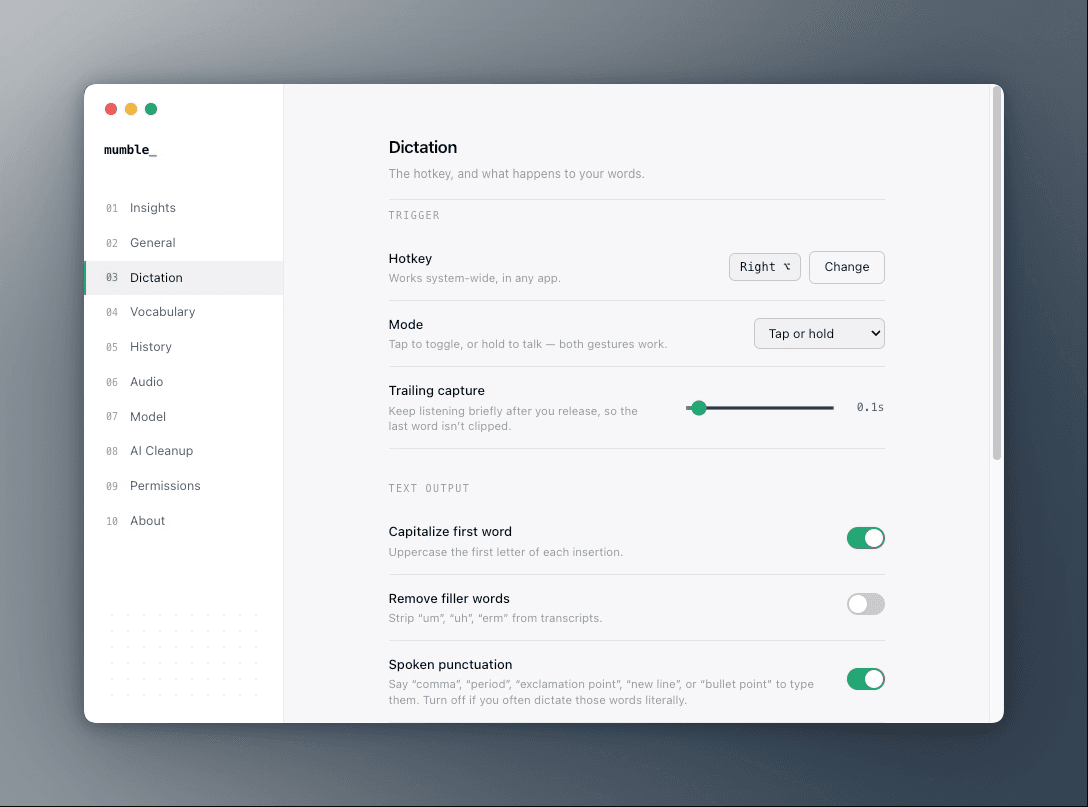
DictationThe hotkey, and what happens to your words. 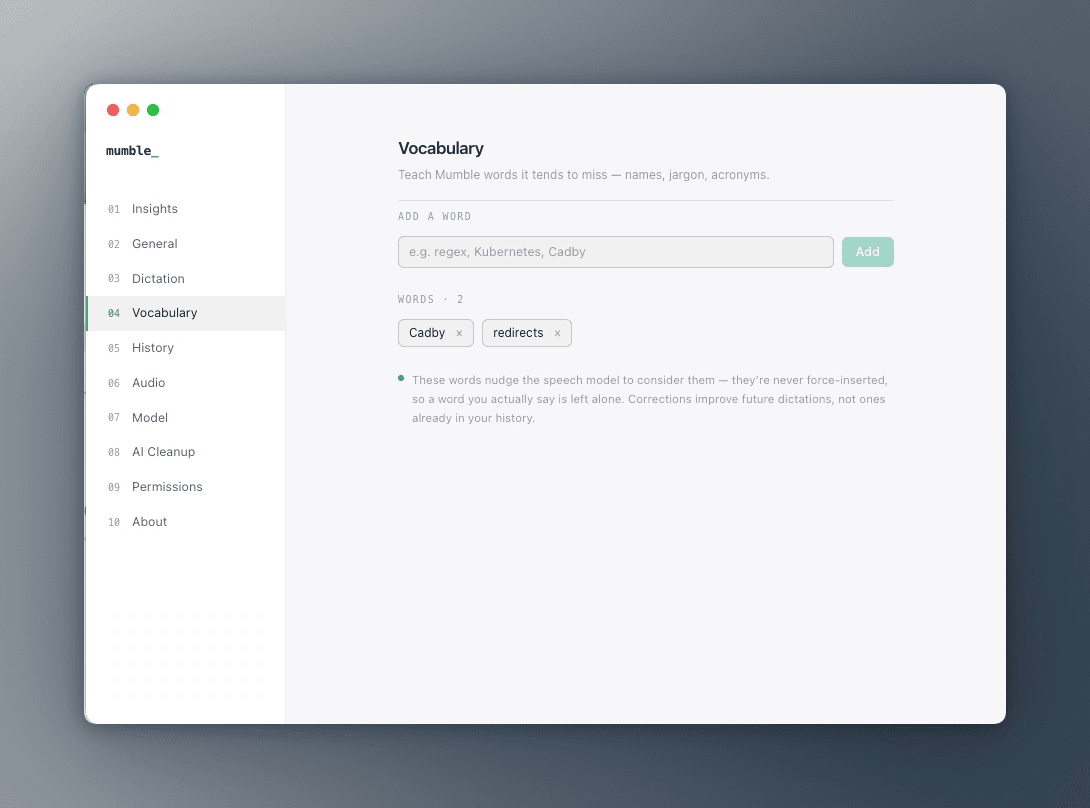
VocabularyTeach it the names, jargon, and acronyms it tends to miss. 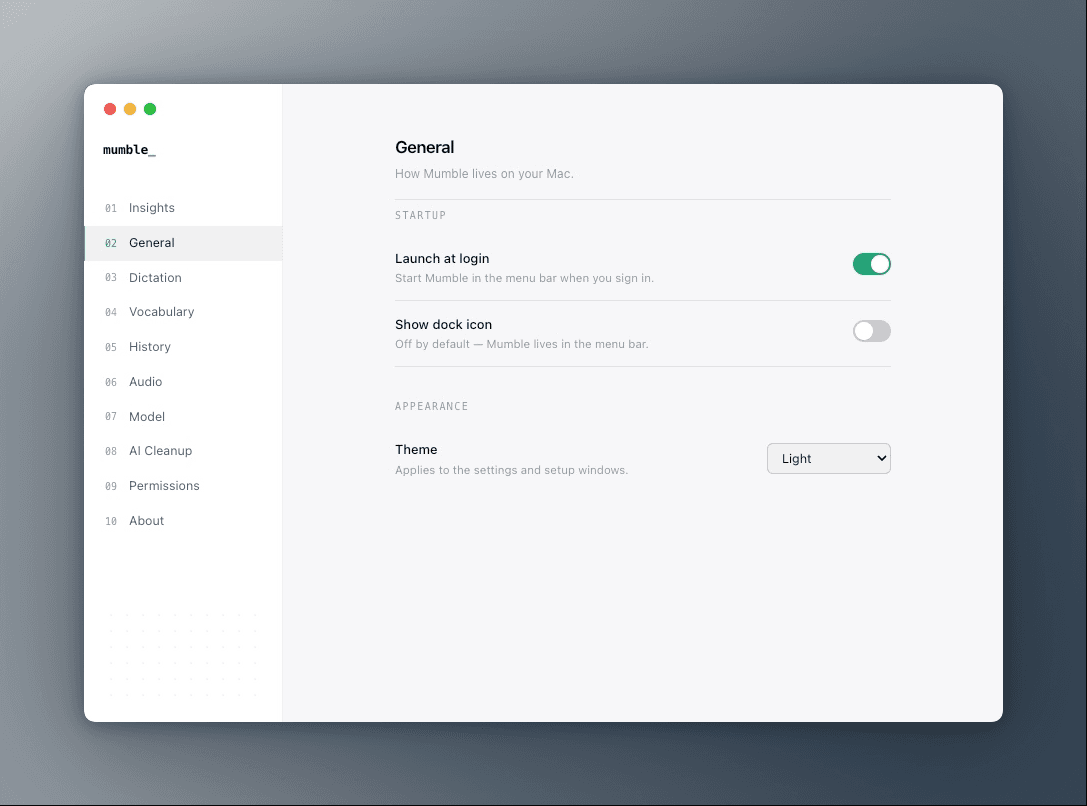
GeneralHow Mumble lives on your Mac.
Features
Free, and everything stays on the machine
Mumble is completely free. Speech recognition runs on whisper.cpp compiled against Metal, so no audio leaves your Mac, there's no account to create, and there's no subscription attached to any of it.
Your clipboard is never touched
Transcribed text is inserted as synthetic Unicode keystrokes rather than a paste, so whatever you had copied is still there when Mumble finishes typing.
Hold a key, speak
Right Option is the default hotkey and works system-wide, in any app. Rebind it to any key or chord, tap to toggle or hold to talk, and set a trailing capture window so the last word never gets clipped.
Pick your model
Choose from a range of local dictation models depending on how you want to trade accuracy against speed. If you'd rather route to a hosted model instead, you can point Mumble at a third-party API.
Local AI cleanup
Optional enrichment models — also running on-device — turn raw speech into structured text: punctuation, bullet points, and lists, without a round trip to anyone's server.
Text output, your way
Capitalize the first word, strip "um" and "uh" from transcripts, and speak punctuation aloud — say "comma", "new line", or "bullet point" to type them. Every rule is a toggle.
Teach it your vocabulary
Add names, jargon, and acronyms it tends to miss. The words nudge the speech model to consider them rather than force-inserting, so a word you actually said is left alone.
Insights and history
See time saved, words dictated, and which apps you dictate into most, by day, week, month, or year. Every dictation is searchable in your history — tracked on this Mac, never uploaded.
Menu-bar first
Mumble lives in the menu bar with the dock icon off by default, launches at login, and puts a dynamic-island pill with a live waveform in the notch while you talk.
Under the hood
- Price
- Free
- Platform
- macOS on Apple Silicon
- Shell
- Electron, with a Swift helper over stdio JSON
- Recognition
- whisper.cpp on Metal, fully on-device
- Models
- A range of local models, or bring your own third-party API
- Enrichment
- Optional local AI cleanup models
- Model size
- From 60 MB, downloaded once at onboarding
- Distribution
- Direct download, ad-hoc-signed DMG
Built with
- Electron
- React
- TypeScript
- Swift
- whisper.cpp
- Metal
- Tailwind CSS